PhotoCraft Download Guide for Windows, macOS, and Linux
Download PhotoCraft from its official GitHub release. Compare the Windows, macOS, Linux, FreeBSD, CLI, and self-hosted web packages.
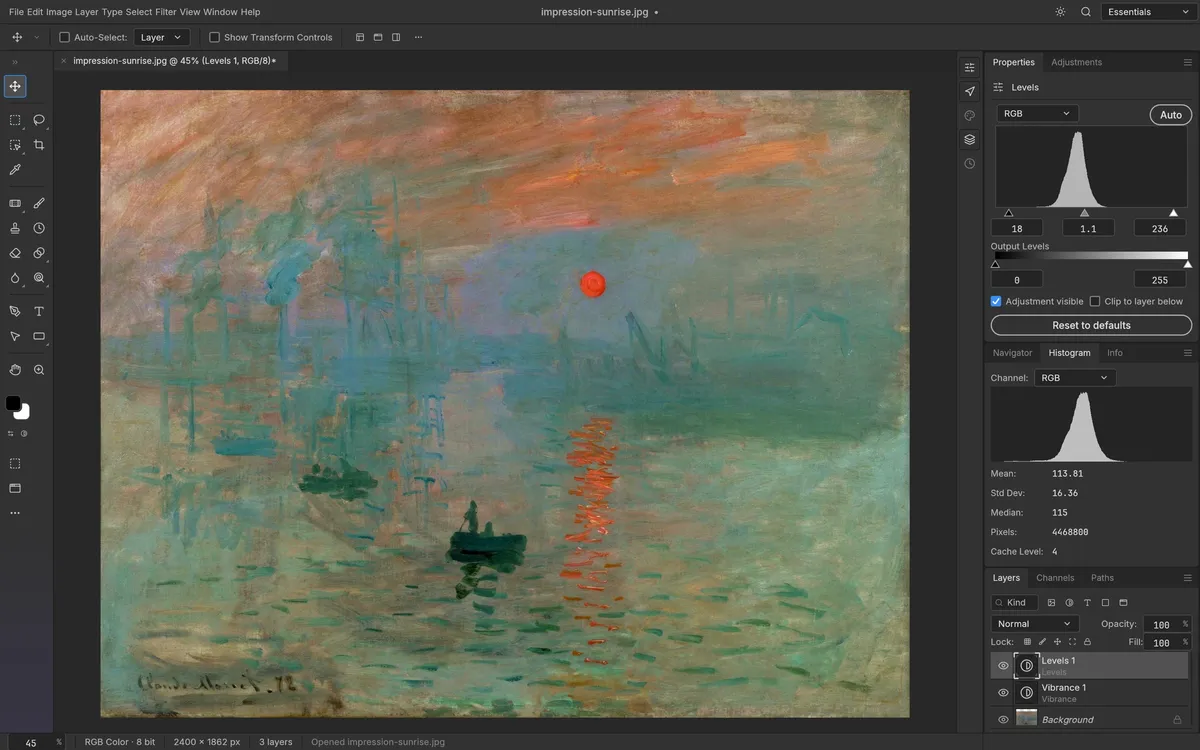
The safest starting point for a PhotoCraft download is the official GitHub Releases page. On October 10, 2026, the latest release checked here was v0.6.0. The package list below reflects that release; filenames and platform support can change, so check the live assets before you install.
Pick the package for your device
Swipe horizontally to compare every package detail.
| Platform | Official v0.6.0 package | What to know |
|---|---|---|
| macOS | photocraft-0.6.0-macos-universal.dmg | One universal disk image for Intel and Apple silicon Macs. |
| Windows | photocraft-0.6.0-windows-x64.msi, -arm64.msi, or -x86.msi | Choose the architecture that matches your Windows device; portable ZIPs are also listed. |
| Linux x86_64 / ARM64 | AppImage, DEB, Flatpak, RPM, and tar.gz builds | Match the architecture and package format to your distribution. |
| FreeBSD x86_64 | photocraft-0.6.0-freebsd-x86_64.tar.gz | The README lists runtime libraries and an install example. |
| CLI | photocraft-cli-0.6.0-macos-universal.zip and release assets | Use when you specifically need the command-line tools. |
| Web | photocraft-web-0.6.0.zip | A web build for self-hosting; it is not a hosted mobile service. |
These are the names published in the v0.6.0 release. Windows and Linux have official packages in this release; older pages saying those platforms are unavailable are out of date.
Install without guessing
- Open the official release page and read its notes before choosing an asset.
- Match the OS and CPU architecture. For Windows, use Settings → System → About to check System type. On Linux, your distribution’s package manager and architecture determine whether DEB, RPM, Flatpak, or AppImage is the best fit.
- Download the installer or archive directly from the release. Avoid repackaged mirrors.
- If you need integrity verification, download
SHA256SUMS.txtfrom the same release and compare the checksum using your operating system’s checksum utility. - Keep a copy of important source files and test PhotoCraft on duplicates first. The project is still early alpha.
For package-specific notes, continue to PhotoCraft for Windows, Mac, or Linux. You can also read the current product review before making it part of a regular workflow.
Is PhotoCraft free to download?
The project is dual-licensed under MIT or Apache-2.0, and the official release is free to download. Read the repository license notices for redistribution details. This guide does not certify a binary or replace your organization’s security review.