PhotoCraft for Linux: Official Packages and Installation Choices
Install PhotoCraft on Linux with the official AppImage, DEB, Flatpak, RPM, or tar.gz package that matches your architecture.
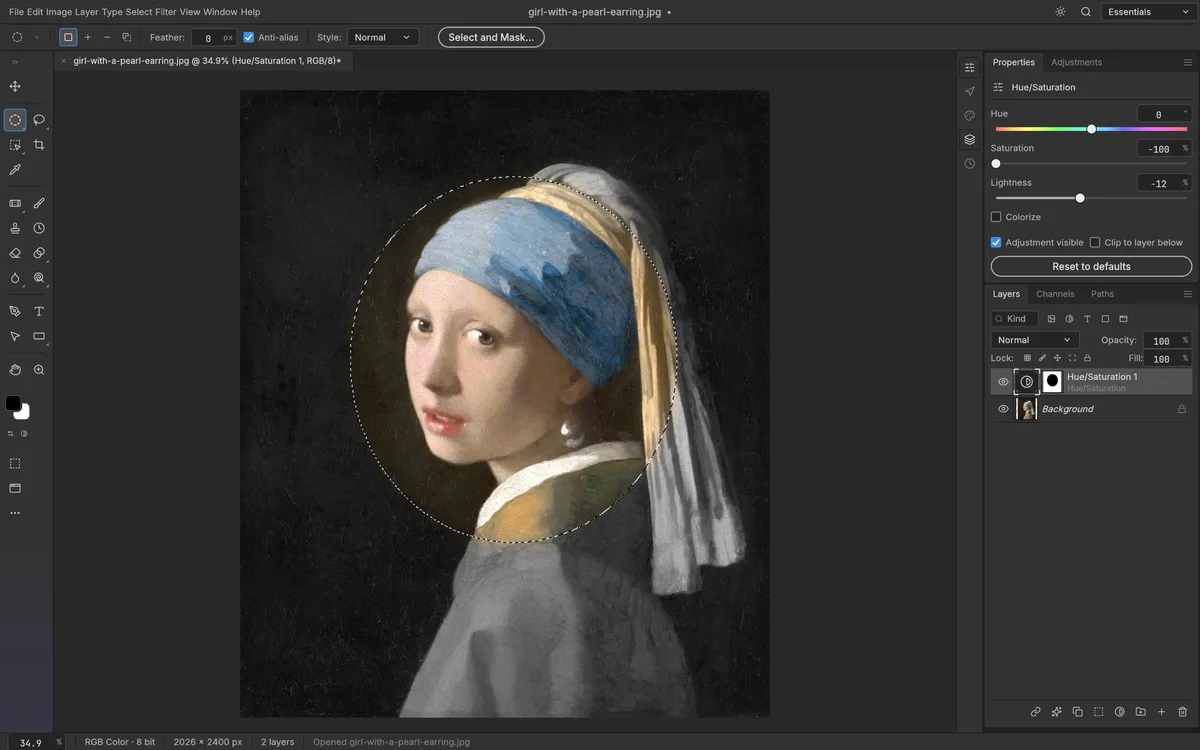
PhotoCraft for Linux has official prebuilt packages in the v0.6.0 GitHub release. The current release includes AppImage, DEB, Flatpak, RPM, and tar.gz files for both x86_64 and aarch64. That means the old advice that Linux users must compile from source is no longer accurate for this release. Check the current release assets before installation because package availability can change.
Which Linux package should you choose?
- AppImage: a self-contained portable package; confirm how your distribution handles executable permissions and required system libraries.
- DEB: usually the natural package format for Debian and Ubuntu-based systems.
- RPM: usually the natural package format for Fedora and related distributions.
- Flatpak: a sandboxed delivery format if your desktop and distribution use Flatpak.
- tar.gz: an archive for users who prefer a manual install or need a particular layout.
Each format is provided for x86_64 and aarch64. Check your machine’s architecture before downloading; the package type and CPU architecture both need to match. Package names are visible on the v0.6.0 release page.
Install and verify
- Open the release page from the PhotoCraft download guide and select the package format your system supports.
- Read the release notes and any runtime requirements listed in the project README.
- Install through your distribution’s package tool when using DEB, RPM, or Flatpak. For AppImage or tar.gz, follow the current upstream instructions rather than copying shell commands from an older post.
- Start PhotoCraft with a sample file. Keep important originals untouched while you verify display, fonts, export, and PSD behavior.
The project is still early alpha, so official Linux packages do not imply that every distribution, driver, or desktop environment has been tested. If PhotoCraft does not fit your use case, compare other editors or read our current review.