PhotoCraft App: Desktop, Web, and Mobile Availability
Is there a PhotoCraft app for desktop, web, or mobile? See what the official v0.6.0 release provides and what it does not.
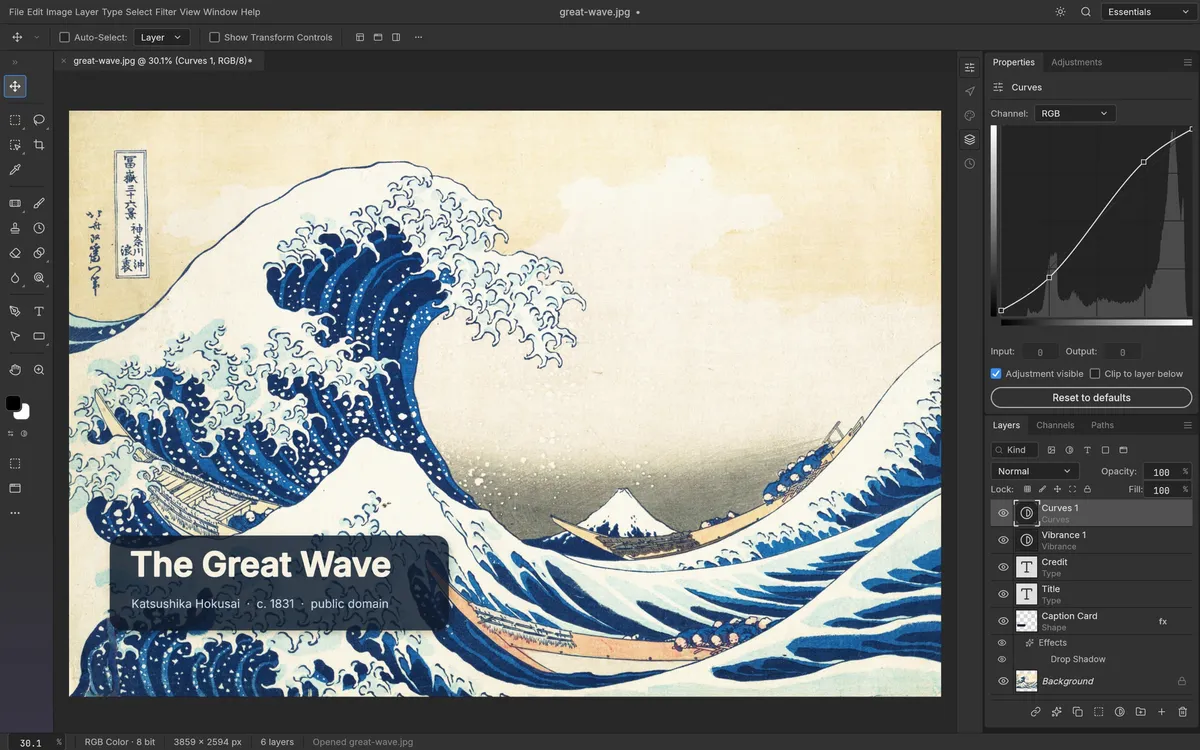
Yes. PhotoCraft has a desktop application, with official v0.6.0 packages for macOS, Windows, Linux, and FreeBSD. The release also includes a web build archive, but the project describes that as something to self-host; it is not the same as an official public browser app you can simply visit. The release page is the source of truth for current files: PhotoCraft v0.6.0.
Desktop app
For most users, the desktop app is the practical place to start. macOS gets a universal .dmg; Windows has MSI installers and portable ZIPs for x64, ARM64, and x86; Linux has AppImage, DEB, Flatpak, RPM, and tarball packages for x86_64 and aarch64. See the platform guides for Mac, Windows, and Linux.
Web build
The repository says the engine and UI compile to WebAssembly, and the release publishes photocraft-web-0.6.0.zip. The README links to instructions for self-hosting the browser version with Docker. That is a developer-oriented deployment path, not evidence of an official hosted PhotoCraft web service. You may also find third-party hosted builds; check who operates them and what happens to your files before using them.
iPhone and Android
The v0.6.0 release assets do not include an official iOS or Android app. Do not assume that an app-store listing with a similar name is connected to the PhotoCraft project. For mobile editing right now, choose a product that explicitly supports your device and verify the publisher.
PhotoCraft is also still in early alpha, according to the project’s status note. If you are deciding whether to install it, start with the download guide and source-based review.