PhotoCraft Generative Fill: What the Editor Can and Cannot Do
PhotoCraft has a Content-Aware Fill workspace, but its v0.12.0 documentation does not show prompt-based generative fill. Learn the difference.
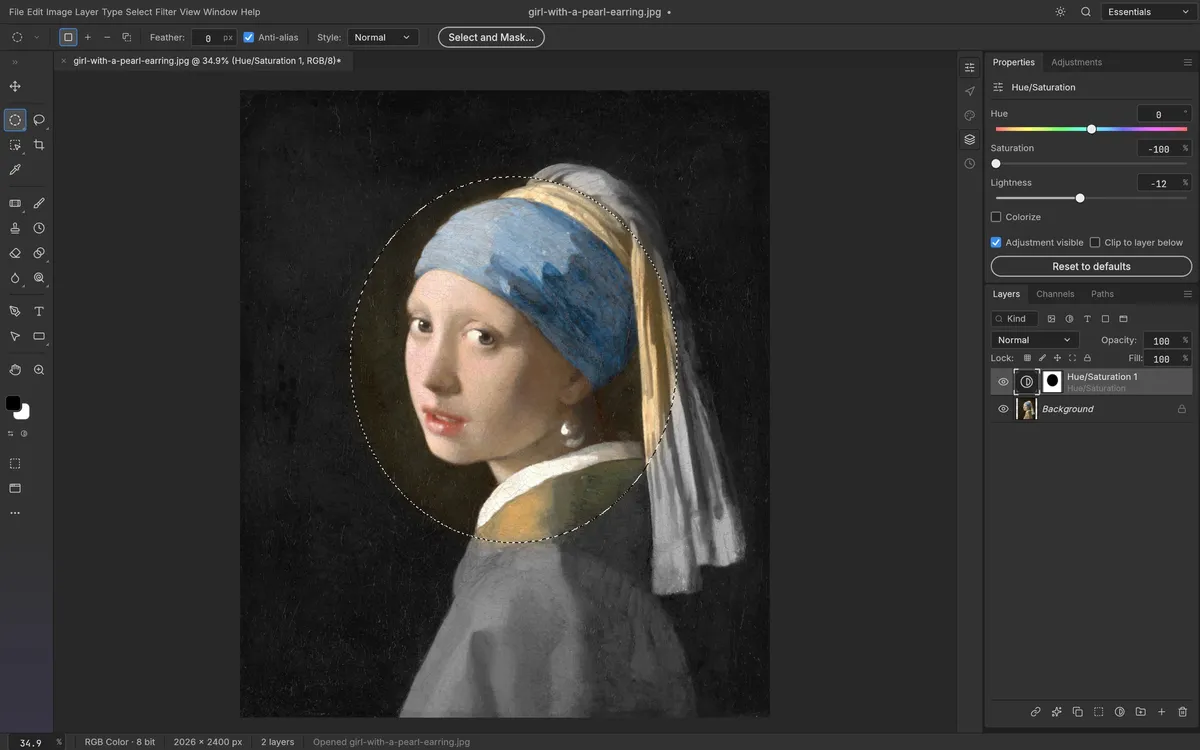
PhotoCraft does have a Content-Aware Fill workspace, but it does not currently document Photoshop-style, prompt-based Generative Fill. Content-Aware Fill repairs a selected region using image context; prompt-based Generative Fill uses a text instruction to synthesize new content. PhotoCraft’s v0.12.0 sources document the former and still list generative AI as a major gap.
What “generative fill” means here
People use “generative fill” to mean different things. In Photoshop, it commonly refers to entering a prompt to create or extend image content. Content-aware or patch tools instead reconstruct a selected area from pixels or context in the existing image. The results may solve a similar visual problem, but the interaction and capability are different.
PhotoCraft’s v0.11.1 release added a Content-Aware Fill workspace. The latest v0.12.0 release also records the completed Content-Aware Move workflow, which can move selected content and fill its previous area. The current README describes smart selection as running on-device and continues to identify AI/generative features as a gap.
A careful content-aware repair workflow
- Save a working copy so you can return to the original.
- Select the smallest area that needs repair and inspect the boundary at a useful zoom.
- Open the Content-Aware Fill workspace and review the sampling or preview controls available in your current build.
- Apply the fill, then inspect edges, repeating patterns, gradients, and fine details at full size.
- Undo or refine the selection if the result smears texture or repeats a recognizable feature; save the edit as a separate version.
For moving rather than removing an object, test Content-Aware Move. For small marks, compare the Spot Healing, Healing Brush, Patch, and Remove options in the healing tools guide.
Does PhotoCraft have AI Generative Fill?
Not in the prompt-based sense documented by Photoshop’s Generative Fill. PhotoCraft’s content-aware tools can patch or move existing image content, but the current official sources do not document a text prompt that creates a new object or scene. See the PhotoCraft AI features overview for the current feature boundary.
Can it replace Photoshop Generative Fill?
No, if your workflow specifically depends on text-prompt image generation. PhotoCraft is still early alpha, and the project lists generative AI among its major gaps. If you only need a patch-based repair workflow, test the current Content-Aware Fill workspace on duplicate files and judge the result for your own images.
Source check: October 22, 2026. PhotoCraft’s latest release is v0.12.0; Content-Aware Fill was announced in v0.11.1.